
 October 17, 2026 · Expense Manager
Expense Manager vs Expense Tracker: What’s the Difference?
An expense tracker records spending.
An expense manager usually goes a step further by helping you organize, analyze, and manage that spending across accounts, categories, budgets, or reports.
In practice, the terms often overlap.
Many apps described as expense trackers include expense-management features, and many expense managers also call themselves trackers.
The difference is more about scope than terminology.
Quick comparison
| Feature | Expense Tracker | Expense Manager |
|---|---|---|
| Record expenses | Yes | Yes |
| Categories | Usually | Yes |
| Income tracking | Sometimes | Often |
| Multiple accounts | Sometimes | Often |
| Budgets | Sometimes | Often |
| Reports | Basic | More detailed |
| Recurring entries | Sometimes | Often |
| Export | Varies | More common |
| Broader money management | Limited | Stronger |
What is an expense tracker?
An expense tracker focuses on answering:
What did I spend?
Typical features include:
amount
date
category
payment method
notes
Its role is primarily recordkeeping and spending visibility.
What is an expense manager?
An expense manager usually answers broader questions:
What did I spend?
Where did it go?
Which account did it affect?
How does it compare with my budget?
How has spending changed?
That broader scope may include:
income
accounts
budgets
reports
recurring transactions
receipt records
exports
Which one do you need?
Choose a basic expense tracker if:
you want simple daily logging
you have one account
you do not need detailed reporting
Choose an expense manager if:
you manage multiple accounts
you want budgets
you need reports
you want income and expense tracking together
you need recurring transactions or exports
Where Expense Manager fits
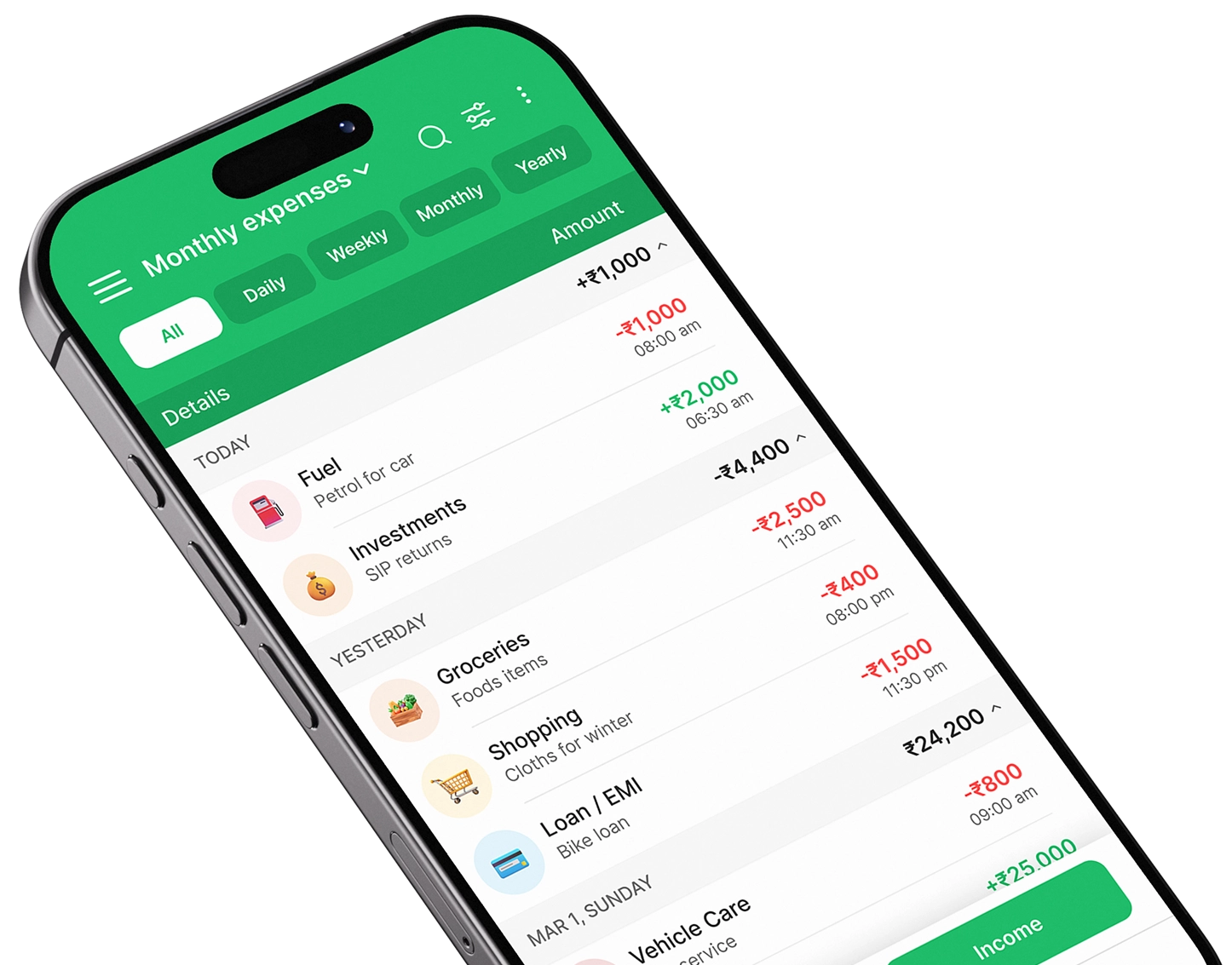
Expense Manager combines both functions.
It tracks transactions while also supporting broader tools such as multiple accounts, categories, reports, recurring entries, and exports.
Google Play:
https://play.google.com/store/apps/details?id=com.pavansgroup.expensemanager
Apple App Store:
https://apps.apple.com/us/app/expense-manager-budget-buddy/id6744145641
Conclusion
The difference is simple:
Expense tracker = record spending
Expense manager = record + organize + analyze + manage
The names may overlap, so compare the actual features rather than relying only on the app category.
Take control of your finances
Download Expense Manager and start your smarter money journey today.


You May Also Like

How to Track Daily Expenses Using an Expense Manager App

How to Choose the Best Expense Manager App for Your Needs