
 October 16, 2026 · Expense Manager
How to Choose the Best Expense Manager App for Your Needs
Choosing an expense manager app should start with your financial routine, not a feature list.
The best app for a student may be completely different from the best app for a freelancer, household, or small business owner.
Before installing anything, answer one question:
What problem do I want this app to solve?
That might be:
tracking everyday spending
creating budgets
monitoring several accounts
separating personal and business expenses
tracking household spending
scanning receipts
managing recurring expenses
reviewing reports
Once the purpose is clear, comparing apps becomes much easier.
1. Decide what you need to track
Start with your use case.
Basic personal tracking
You may need only:
expenses
income
categories
monthly reports
Household finances
You may want:
shared accounts
multiple users
household categories
budget tracking
Freelance finances
You may need:
personal and business accounts
receipts
notes
exports
searchable transactions
Small business tracking
You may require additional functionality beyond a personal expense manager, such as:
accounting integration
invoicing
tax records
approvals
reimbursement workflows
Do not pay for complexity you do not need.
2. Check how easy it is to add an expense
Daily entry friction matters.
An app can have excellent reports and still fail if entering a transaction takes too long.
Test:
number of taps
category selection
account selection
note entry
transaction editing
If you regularly make many small purchases, speed becomes important.
3. Look for useful categories and customization
Useful apps should allow spending categories that fit your life.
Examples:
groceries
dining
fuel
utilities
travel
subscriptions
Custom categories can be especially useful for freelancers or households.
4. Check whether it supports multiple accounts
A single account may be enough initially.
But multiple accounts become useful when you want to separate:
personal
household
business
travel
savings
credit card
5. Consider offline access
An offline expense manager can be useful if you want to record transactions without depending on an active connection.
Check exactly what works offline, because capabilities vary between apps.
6. Review reporting features
Useful reports may include:
monthly expenses
income vs expense
category breakdown
account-wise reports
period comparisons
Good reports should answer real questions rather than simply look attractive.
7. Look at receipt support if you need it
Receipt scanning matters most if you:
make business purchases
keep reimbursement records
retain purchase details
dislike manual transaction entry
If receipts are not important to you, do not choose an app solely because it has OCR.
8. Check recurring transactions
Recurring entries can help with:
salary
rent
EMIs
subscriptions
insurance
memberships
9. Check export options
Export can matter if you want to:
keep backups
analyze data elsewhere
share reports
archive records
Useful formats may include PDF, CSV, or Excel.
10. Review privacy and security information
Financial data is sensitive.
Before using an app, review:
privacy policy
data collection disclosures
account requirements
cloud synchronization
data deletion controls
device security options
Do not assume “finance app” automatically means “private.”
11. Compare free and paid limitations
A free expense tracker may be enough for basic personal use.
A paid plan may add:
more accounts
advanced reports
receipt features
sync
sharing
exports
Compare what you actually need before paying.
12. Test the app for a week
The real test is not the app-store description.
Use it.
Ask:
Did I remember to enter transactions?
Was entry fast?
Were categories useful?
Did reports teach me anything?
Would I still use this after three months?
Usability matters more than having the longest feature list.
Expense Manager as an option
Expense Manager currently supports features such as:
income and expense tracking
custom categories
multiple accounts
recurring transactions
receipt scanning
shared accounts
voice entry
reports
export
offline-supported workflows
Verify current features here:
https://expensemanager.app/faq
Download:
Google Play:
https://play.google.com/store/apps/details?id=com.pavansgroup.expensemanager
Apple App Store:
https://apps.apple.com/us/app/expense-manager-budget-buddy/id6744145641
Expense manager app checklist
Before choosing, ask:
| Question | Yes/No |
|---|---|
| Can I enter expenses quickly? | |
| Can I customize categories? | |
| Does it support my accounts? | |
| Can I track income? | |
| Are reports useful? | |
| Does it support recurring expenses? | |
| Can I export data? | |
| Does it work offline if needed? | |
| Are privacy terms clear? | |
| Is the free/paid model acceptable? |
Conclusion
The best expense manager app is not the one with the most features.
It is the one that fits your routine well enough that you continue using it.
Choose based on:
Use case → Ease of entry → Categories → Accounts → Reports → Privacy → Price
That produces a better decision than choosing based on popularity alone.
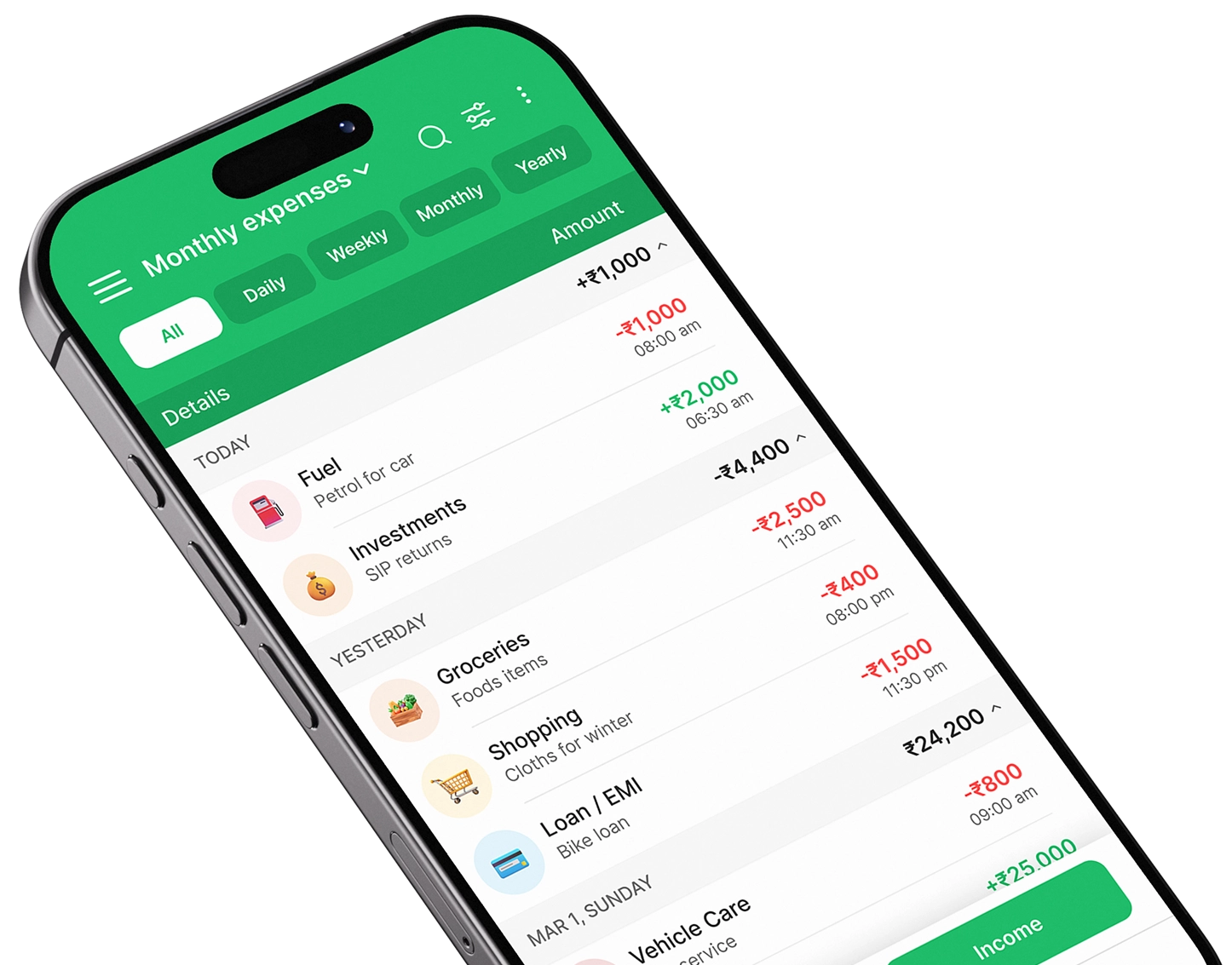
Take control of your finances
Download Expense Manager and start your smarter money journey today.


You May Also Like
Expense Manager vs Expense Tracker: What’s the Difference?

How to Track Daily Expenses Using an Expense Manager App