
 October 16, 2026 · Expense Manager
Expense Manager App vs Excel: Which Is Better for Tracking Expenses?
An expense manager app and Excel can both track spending effectively.
The better choice depends on how you work.
Choose Excel if you want maximum customization, formulas, and control over how your data is structured.
Choose an expense manager app if you want faster daily entry, built-in categories, mobile-friendly tracking, recurring transactions, and ready-made reports.
For many people, the real question is not:
Which tool is more powerful?
It is:
Which one will I still use three months from now?
Quick comparison
| Factor | Expense Manager App | Excel |
|---|---|---|
| Setup | Usually quick | Requires setup/template |
| Mobile entry | Easier | Less convenient |
| Custom formulas | Limited | Excellent |
| Categories | Built in/customizable | Fully manual |
| Charts | Usually automatic | Must be created |
| Recurring expenses | Often supported | Manual/formula based |
| Receipt scanning | Possible | Not native |
| Advanced modelling | Limited | Excellent |
| Daily tracking | Usually easier | More manual |
| Full customization | Moderate | Very high |
Where Excel is better
Custom formulas
Excel gives you complete control over calculations.
You can build:
custom formulas
pivot tables
forecasting
dashboards
cash-flow models
Custom structure
You decide every column and category.
Advanced analysis
If you enjoy spreadsheets, Excel can be much more flexible than a dedicated expense tracker.
Where Excel becomes inconvenient
Daily transaction entry can be slower, especially on a phone.
You may need to:
find the correct row
select categories
maintain formulas
update charts
avoid breaking references
For occasional analysis, this is fine.
For several daily purchases, friction can become important.
Where an expense manager app is better
Faster transaction entry
Apps are built around quickly recording money.
Mobile-first design
You usually have your phone with you when spending.
Built-in categories and reports
You do not have to create everything manually.
Recurring transactions
Rent, salary, subscriptions, or EMI entries can often be scheduled.
Receipt scanning
Some apps can capture details from receipts.
Where an app may be less suitable
A dedicated app may not provide:
complex formulas
financial models
custom dashboards
advanced spreadsheet logic
If those are important, Excel may remain better.
Which should students use?
An expense tracking app is usually easier for quick daily entries.
Excel is useful for students who enjoy spreadsheets or want to learn financial modelling.
Which should freelancers use?
A freelancer may benefit from an app for:
daily capture
receipts
separate accounts
and Excel for:
deeper analysis
annual summaries
custom tax preparation
A hybrid setup can work well.
Which is better for households?
An app may be easier if several people need to add transactions.
A spreadsheet can work if one person maintains all household finances.
Expense Manager as an alternative to Excel
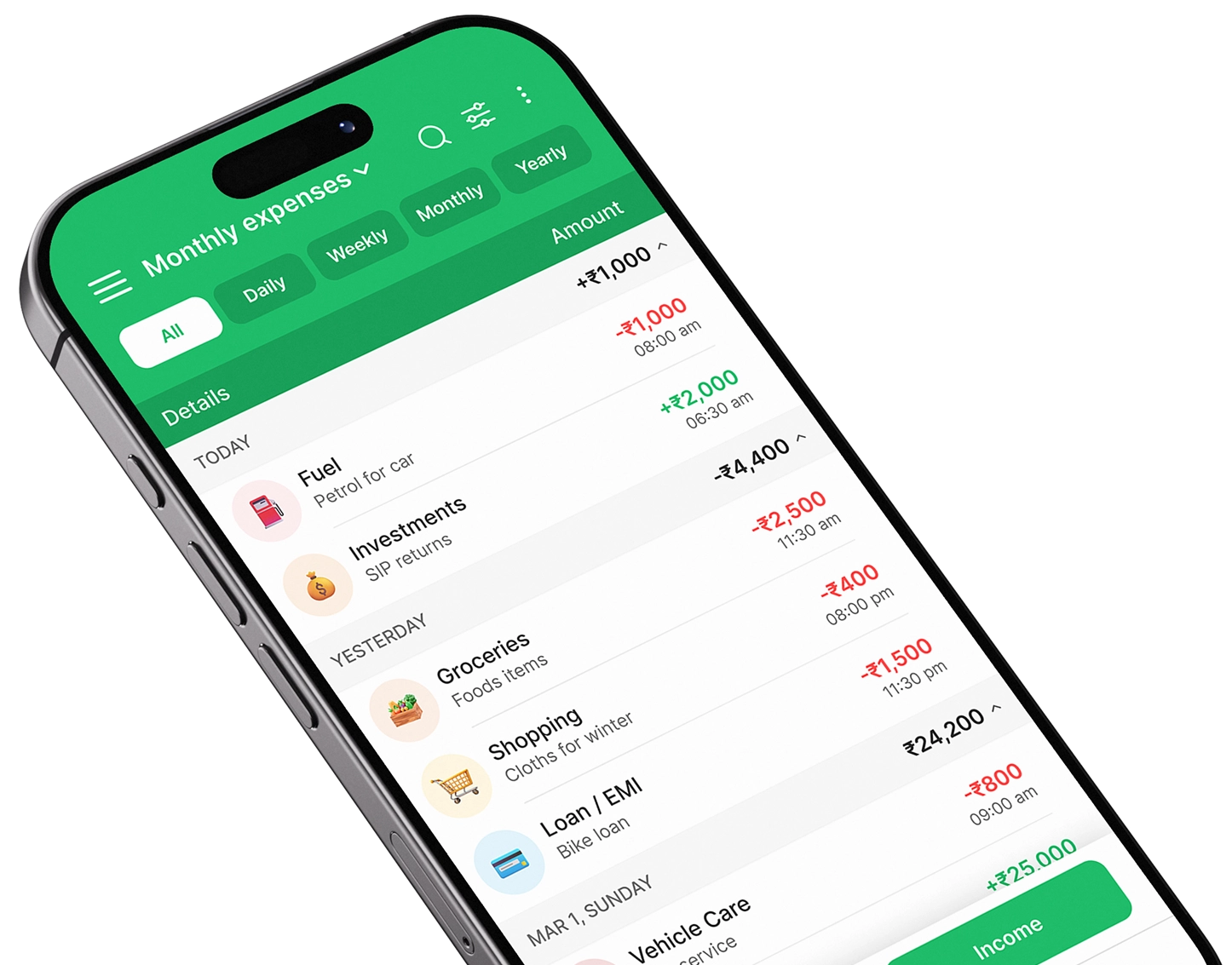
Expense Manager provides ready-made transaction tracking, categories, accounts, reports, and export features.
That makes it useful for everyday tracking while still allowing reports to be exported for further analysis.
Google Play:
https://play.google.com/store/apps/details?id=com.pavansgroup.expensemanager
Apple App Store:
https://apps.apple.com/us/app/expense-manager-budget-buddy/id6744145641
Final verdict
Choose Excel when customization and analysis matter most.
Choose an expense manager app when quick, consistent daily tracking matters most.
Choose a hybrid approach when you want the app for capture and Excel for deeper analysis.
The best tracking system is the one you actually maintain.
Take control of your finances
Download Expense Manager and start your smarter money journey today.


You May Also Like
Expense Manager vs Expense Tracker: What’s the Difference?

How to Track Daily Expenses Using an Expense Manager App